Control over constant motion
I explored wish stars that reacted to phone orientation and shaking. Overlap and stability problems made wishes harder to find, so I moved to fixed positions with manual dragging.
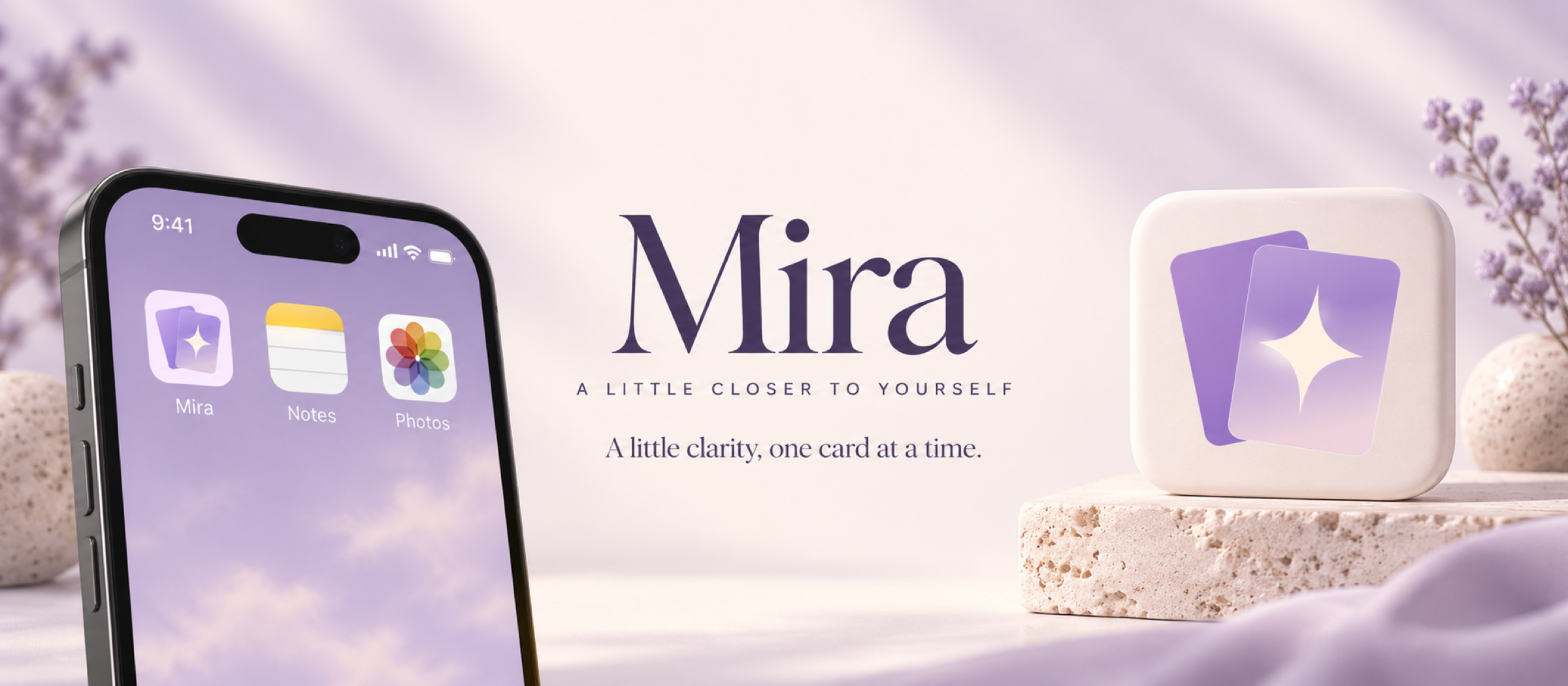
An evolving iOS experience for personal reflection through tarot, wishes, and AI-assisted interpretation.
IN TESTING · UI & INFORMATION HIERARCHY IN PROGRESS
I've been reading tarot for years, for myself and for friends. Mira began with a simple question: how could a reading feel personal when a human reader isn't available? It has grown into an iOS app combining tarot, AI interpretations, personal wishes, and a lightweight birth chart.
I lead the product definition, interaction and visual design, and AI-assisted development. This case study captures a working version: the core flows are implemented, while testing, UI refinement, and information hierarchy remain ongoing.
My focus shifted from generating an answer to creating continuity around a question. Drawing cards offers a deliberate starting ritual. Saved readings preserve context. Wishes give longer-term interests a place to live beyond a single session.
The hypothesis is that these connections can make reflection easier to return to. That is a design intention, not a proven retention result; broader user validation is still ahead.
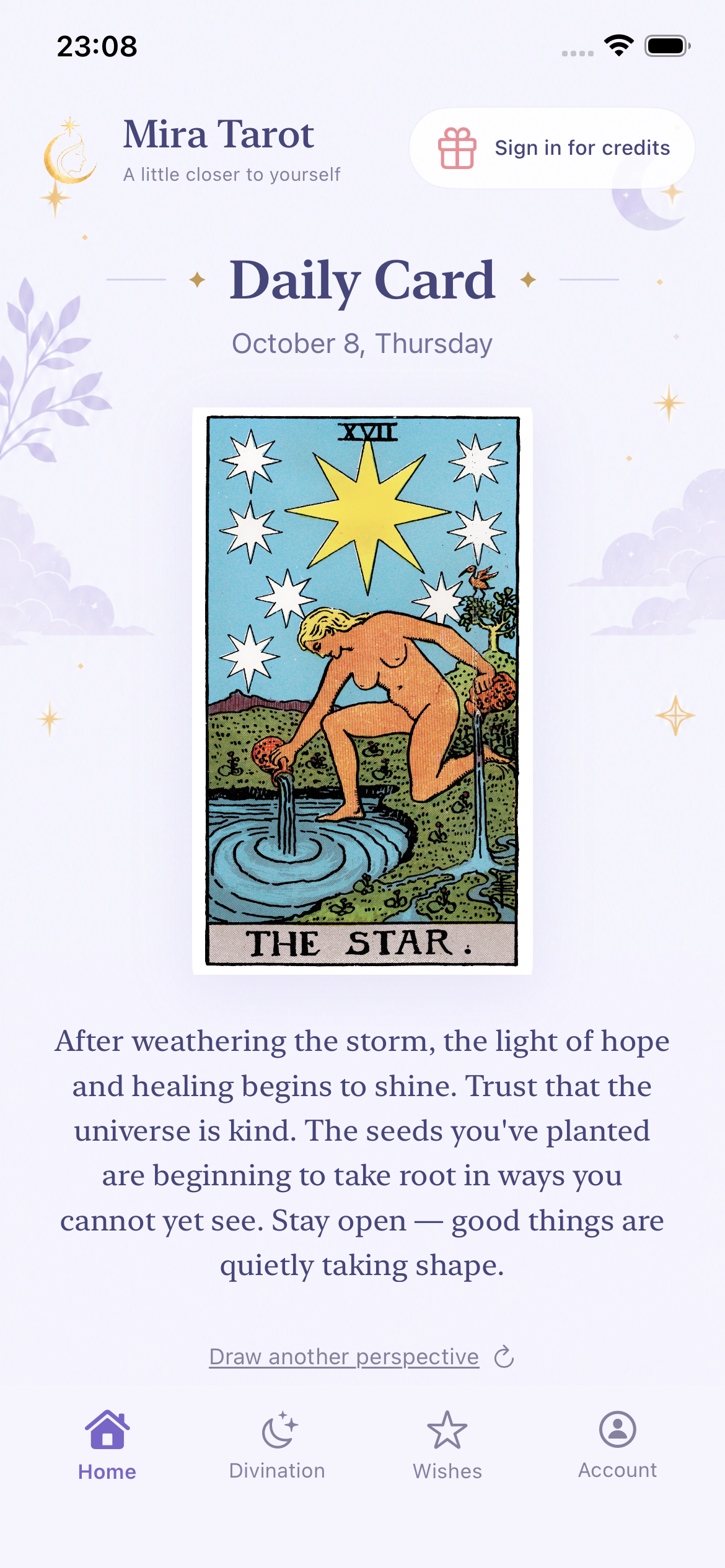
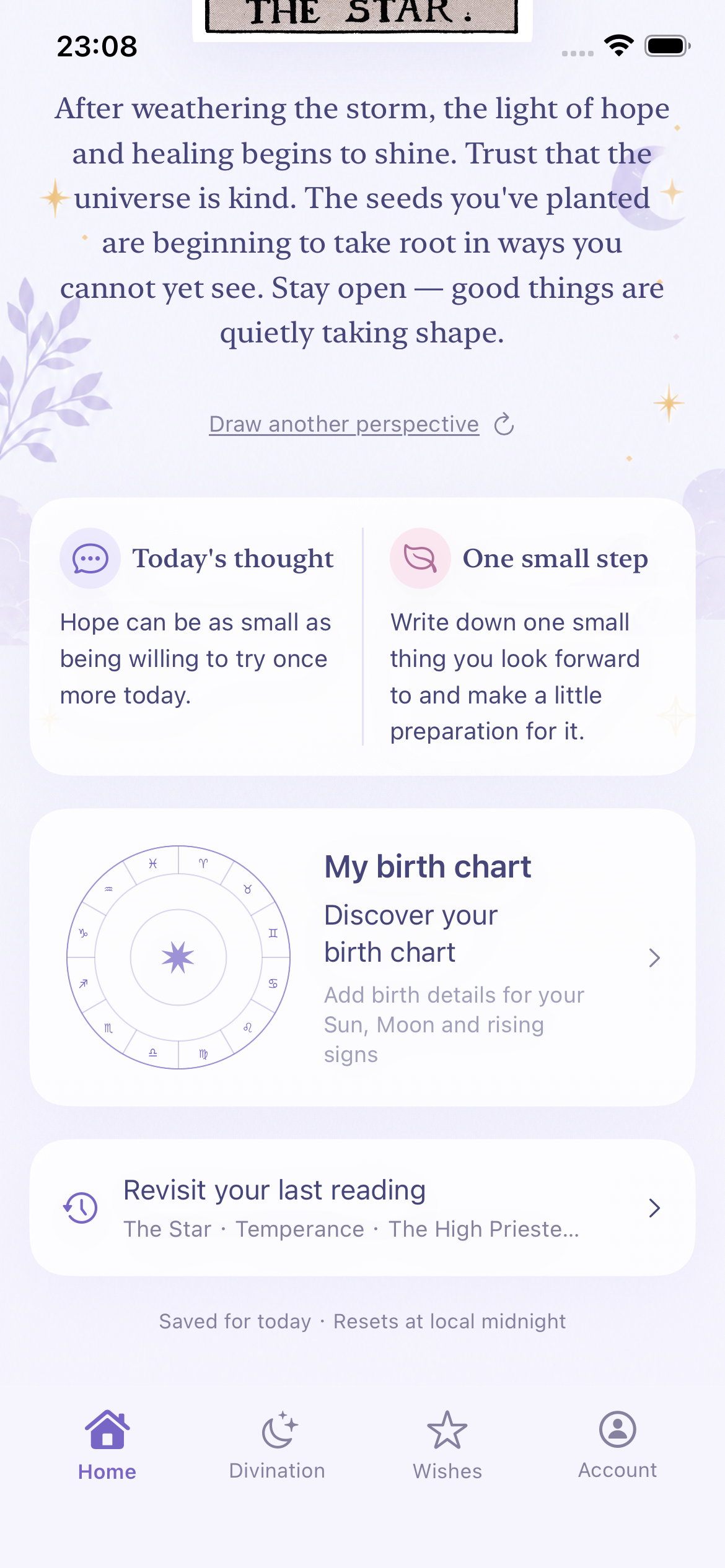
Home brings together a daily card, a short reflection, and a small action. The card stays consistent for the day by default, with a quieter redraw option for someone who wants another perspective. Signed-in users can also see their daily free tarot AI allowance and remaining AI reading credits.
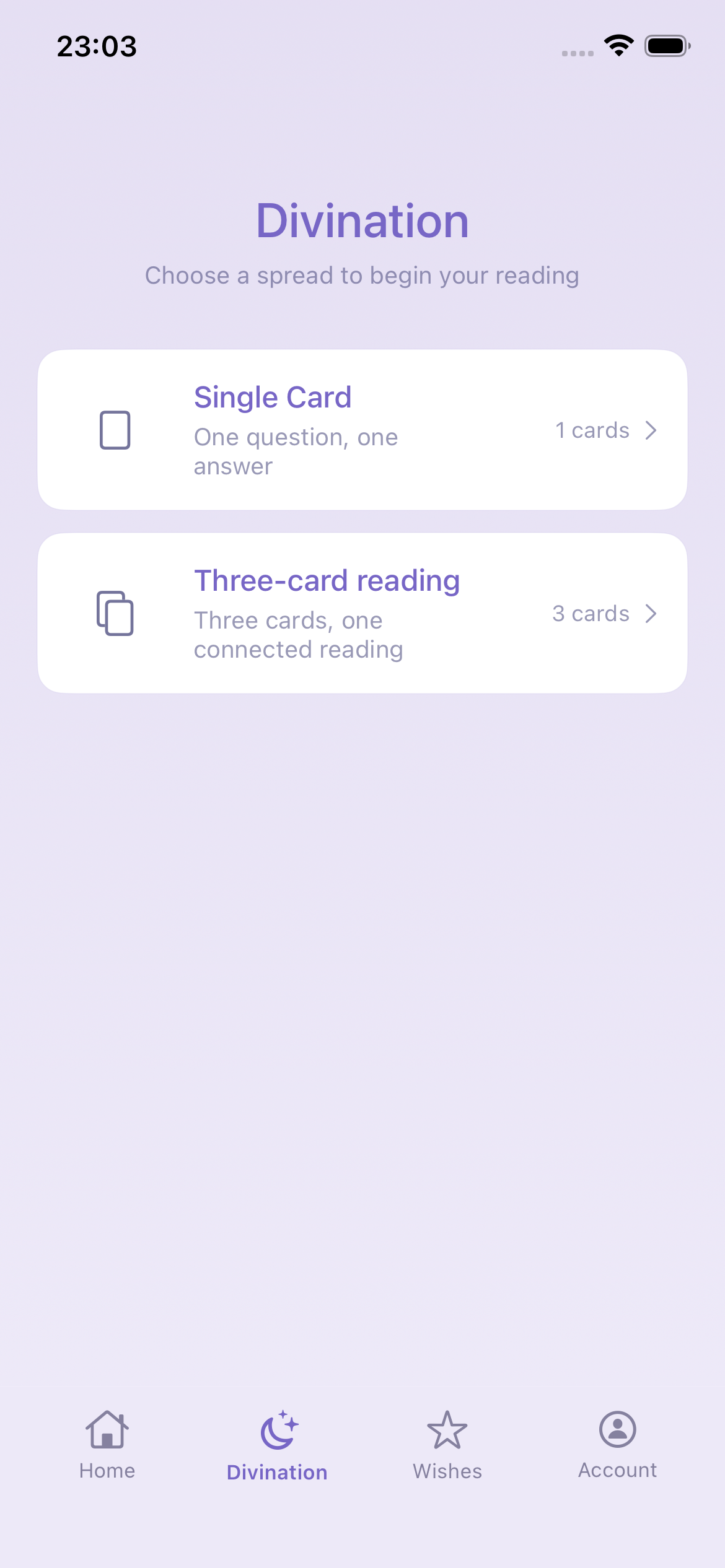
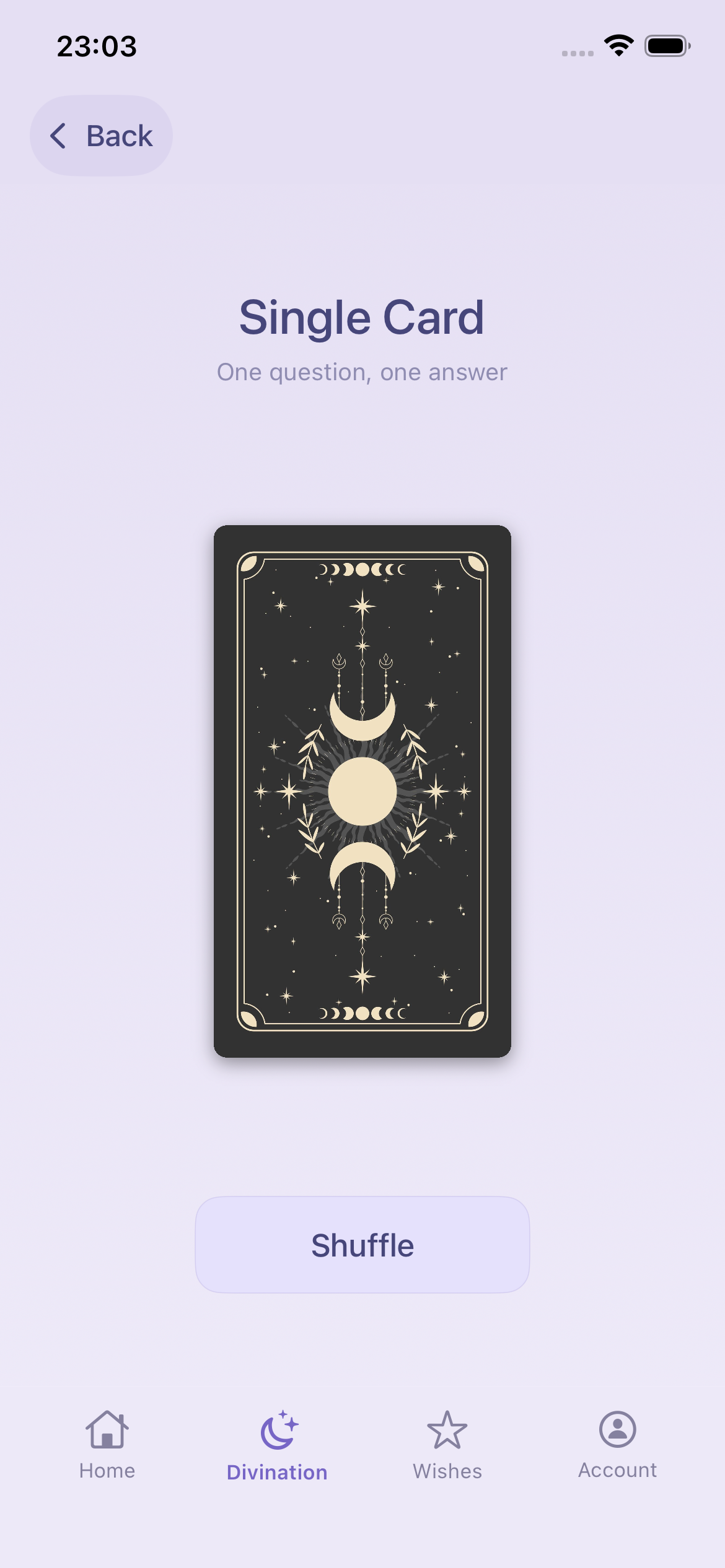
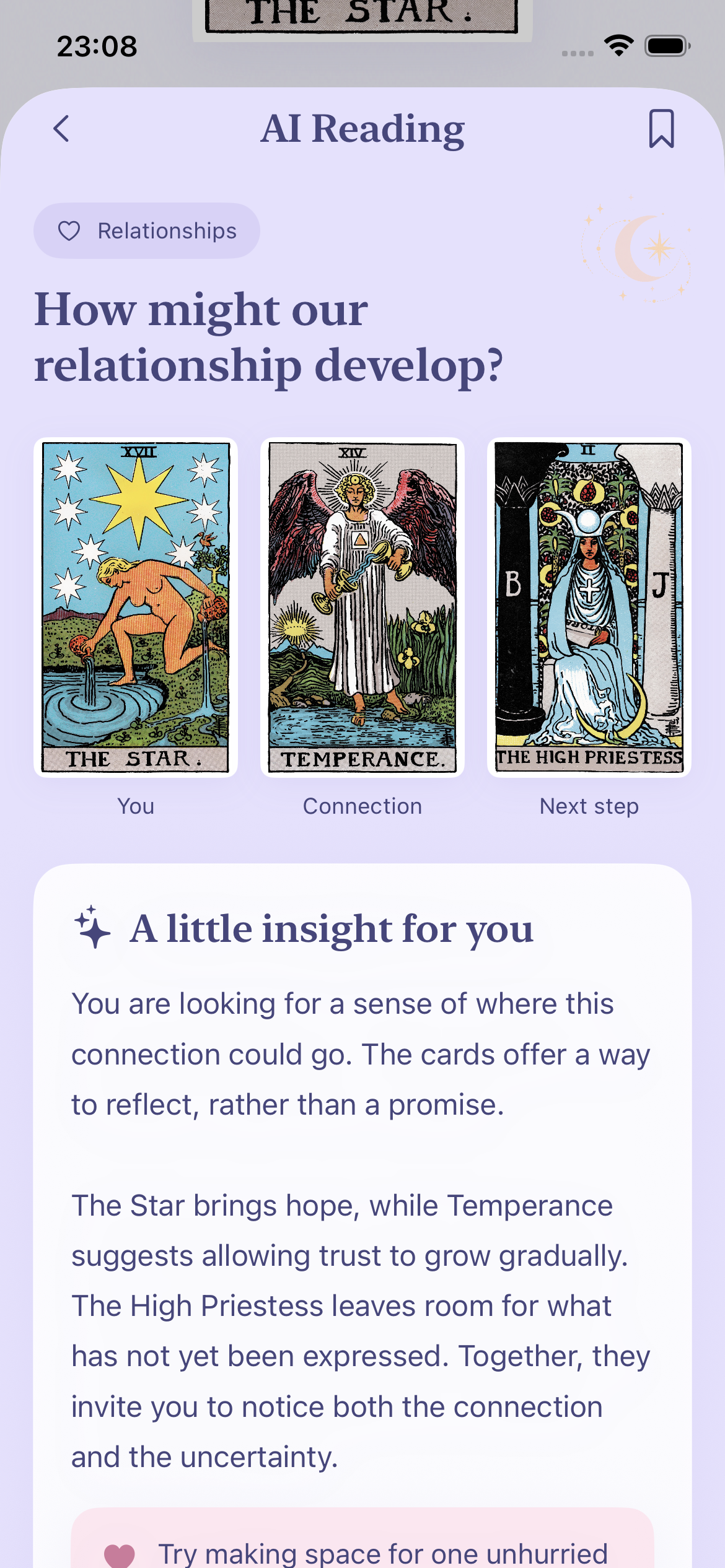
Users ask a question, draw cards, and choose whether to request an AI interpretation. The default three-card reading is a freeform synthesis: it does not automatically treat the middle card or a Major Arcana card as the main card. Guided spreads retain their explicitly defined positions.
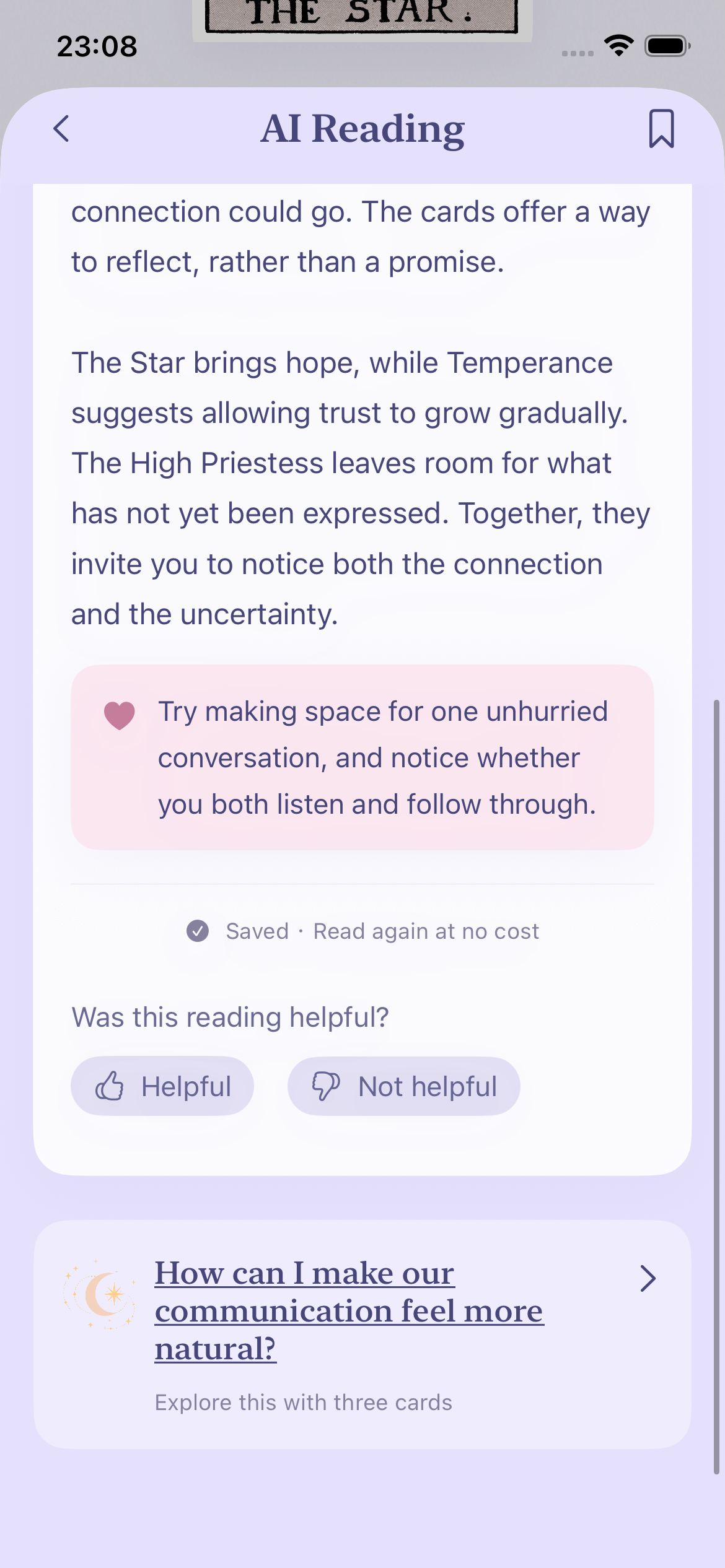
I am refining the AI instructions to answer the actual question, connect the cards, and offer a concrete observation or action. Warmth should come from relevance, not generic reassurance or invented personal details. Response consistency is still being tested.
A wish becomes a star. Users choose its color and emoji, arrange it by dragging, and tap to revisit its details. Each wish offers three suggested tarot questions, creating a starting point grounded in something the user already cares about.
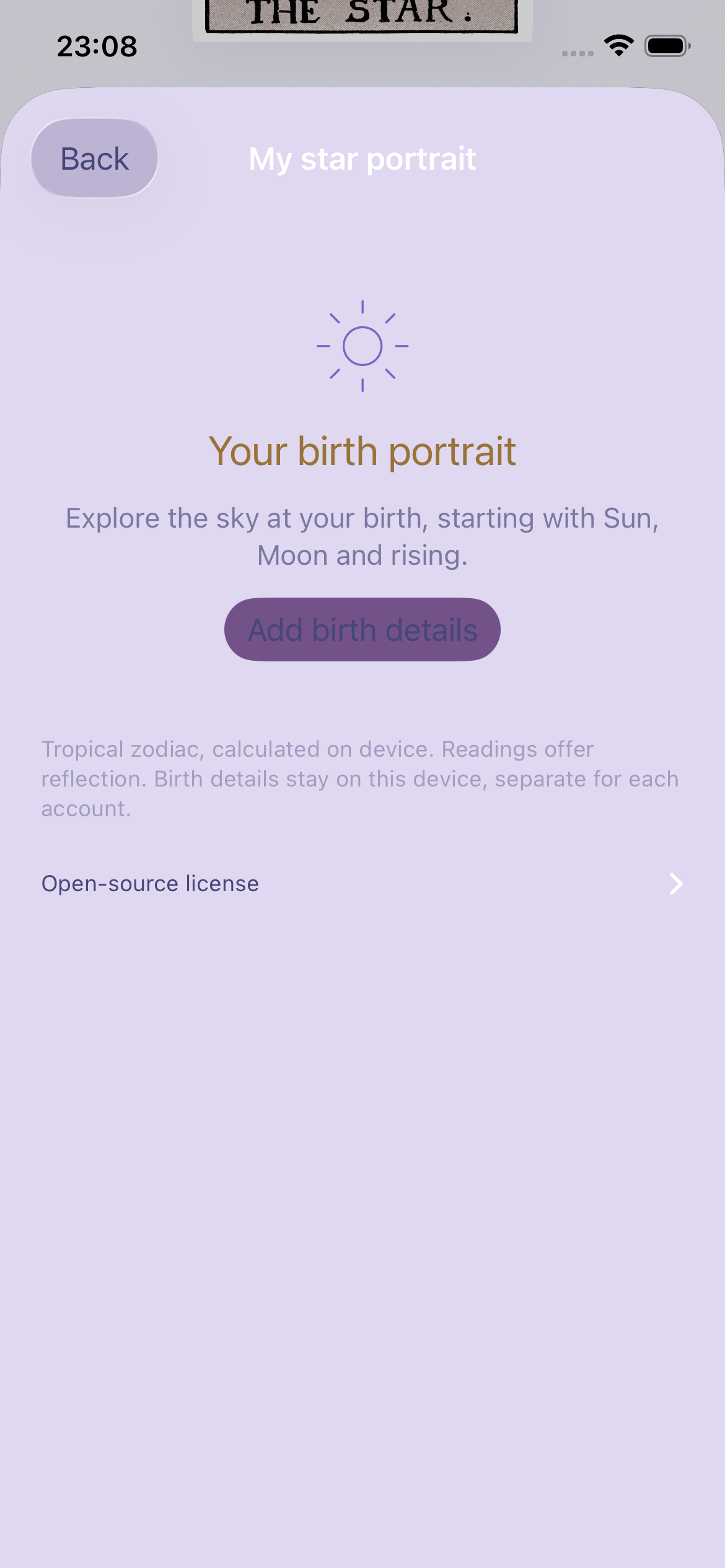
An optional birth chart adds Sun, Moon, and rising signs. These can inform wish-specific guidance, while the raw birth details remain on the device. This is a lightweight reflection feature, not a professional astrology suite.
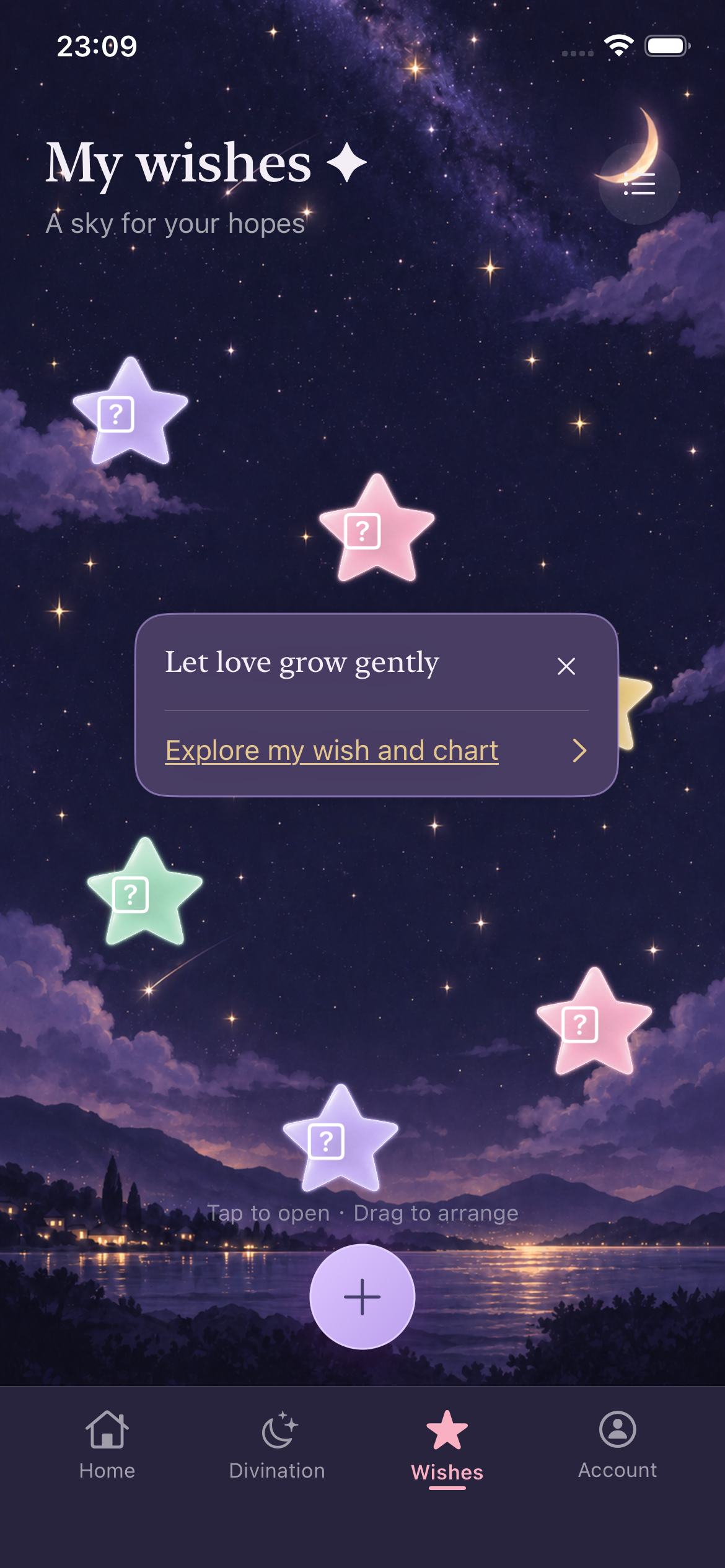
I explored wish stars that reacted to phone orientation and shaking. Overlap and stability problems made wishes harder to find, so I moved to fixed positions with manual dragging.
AI interpretations stay attached to saved readings. Returning to a saved answer does not generate a new reading; follow-up questions begin a separate flow.
The prompt asks for relevant context and practical suggestions, while discouraging guaranteed predictions and claims about another person’s private thoughts. This remains an ongoing quality check.
The daily free allowance applies to tarot AI. Full wish guidance uses paid credits. Usage displays and a confirmation step clarify the cost before a new request. Payment processing is not connected yet.
The interface has evolved from deep purple surfaces toward pale lavender, deeper purple text, and selective champagne-gold accents. The wish space keeps a night-sky atmosphere, while birth-chart details and reading packs use a slightly deeper lavender.
The palette now feels more consistent, but the screens can still feel too flat. Cards, supporting information, and actions sometimes carry similar visual weight. My next priority is a clearer reading order, not simply adding more decoration.
Give each screen a primary focus. Use scale, placement, and whitespace to lead with the daily card, the answer, or the selected wish.
Separate content from supporting detail. Review repeated containers, spacing, and surface contrast so the interface feels less flat.
Clarify actions and states. Make primary buttons, text links, loading, unsuccessful requests, and credit feedback easier to distinguish.
I designed and built Mira in SwiftUI, using AI-assisted development to iterate on working flows and test them in the simulator and on a personal iPhone. The current build includes daily cards, tarot AI interpretations, saved history, follow-up questions, wish stars, basic birth-chart calculations, and profile customization.
Email and Google sign-in connect to the existing account service. The purchase interface is present, but payment processing and complete transaction management remain unfinished. Readings, wishes, and birth details currently rely primarily on local storage; cross-device synchronization is still ahead.
The app has not formally launched. Current evidence comes from local checks and hands-on testing, with no growth, conversion, or retention results to report. The next phase combines broader validation with improvements to clarity and reliability.
Alongside the iOS app, I built a gesture-controlled tarot website where an open-palm gesture draws cards through the device camera. It explores a more physical way to begin the same ritual.
Building more features did not automatically create a more coherent experience. This iteration brought the focus back to the user’s question: how they begin, what makes an answer feel attentive, and what is worth returning to. Mira is now moving from functional flows toward a clearer, more dependable experience.
Screenshot notes: actual iOS simulator renders from the October 2026 working build, using isolated demonstration data where needed. The illustrated interpretation is preset test content, not a live response from the latest AI prompt. Testing captures are labeled above. UI and information hierarchy continue to evolve.